
The Tools page collects everything around the studio that is not a generation model. Open it from the main navigation; each tool has its own page in this documentation.
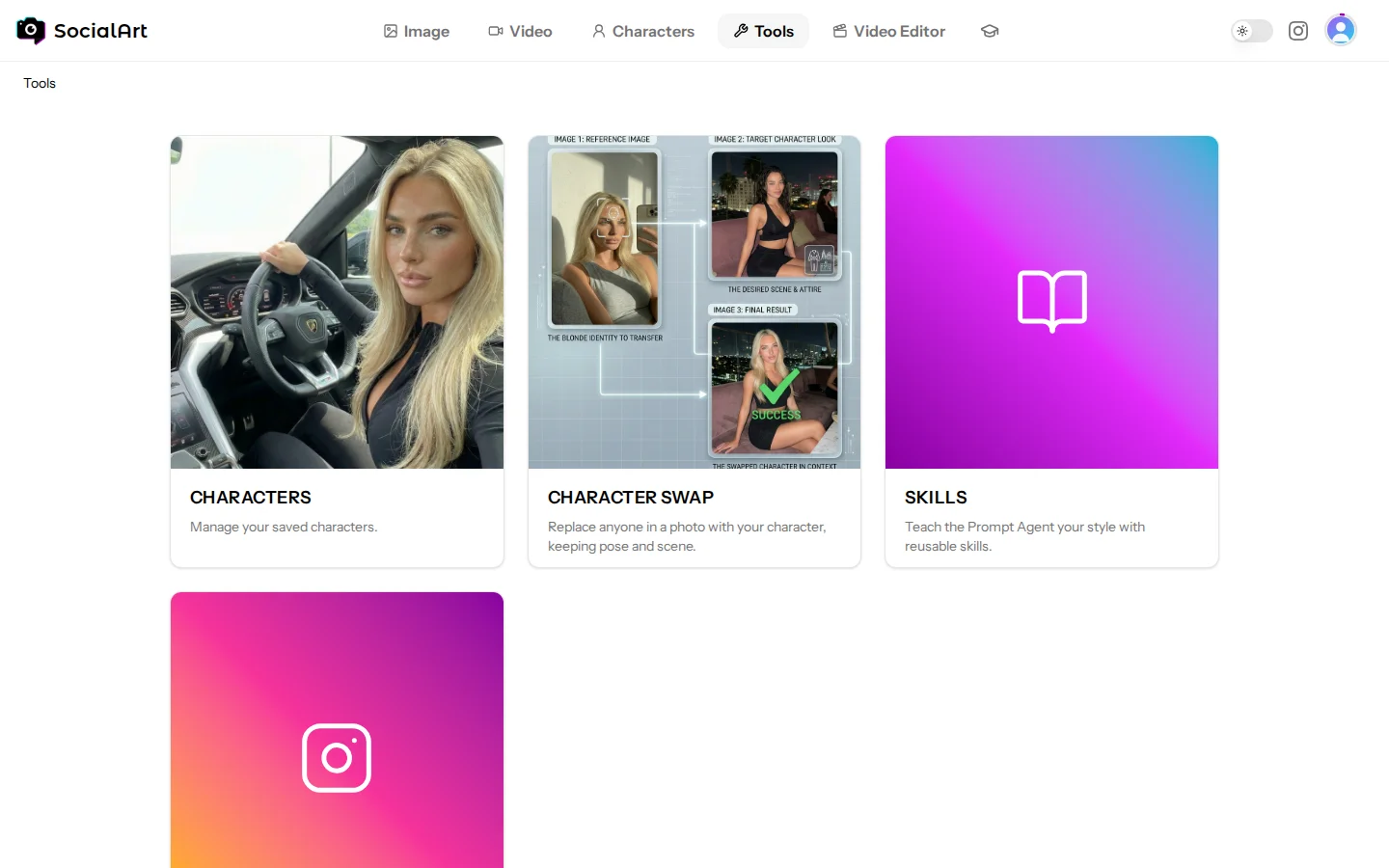
Characters
Your saved characters: the people you reuse across image and video models so they look the same in every generation. Create one from a few photos and pick it as a reference anywhere in the studio.
Read more: Characters
Influencer Remix
Turn a character or a few reference photos into finished influencer-style scenes. No prompt needed; the results appear right on the page.
Read more: Characters
Character Swap
Replace any person in a photo with your character while keeping the exact pose, lighting and mood. Three steps, no prompt.
Read more: Character Swap
Video Recast
Replace the people in a video with the people from your reference photos. Motion, camera and cuts stay as they are; only the people change. Runs on Hailuo 3 Recast (exact footage and sound), Seedance 2.5 or Wan 3.0 Prime (re-rendered scene with new sound).
Read more: Video Recast
Upscale
Enlarge any image to 2K or 4K with Topaz Gigapixel, sharp and true to the original. Also available as the Upscale button in the details of your images.
Read more: Upscale
Skills
Reusable instruction packs for the Prompt Agent: activate one and the agent writes prompts in that style. Create your own or use the Skill Library.
Read more: Prompt Agent skills
Social Post
Connect your Instagram professional accounts and publish or schedule Feeds, Reels and Stories straight from the studio, with a live preview and a content calendar.
Read more: Social Post