
Signing in
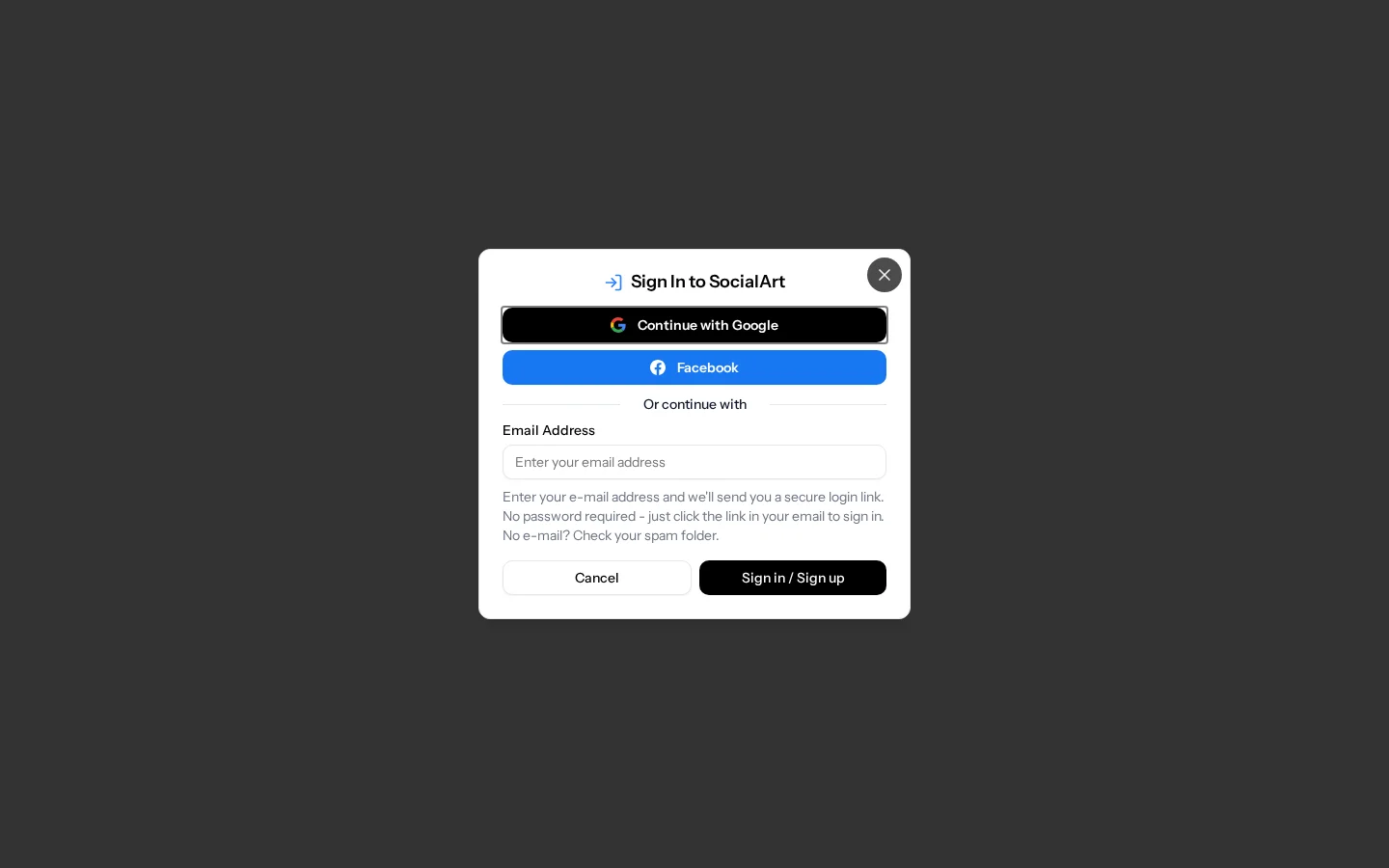
- Google or Facebook. Continue with your Google or Facebook account on https://socialart.ai/login and you are signed in right away.
- Email code, no password. Or enter your email address and you receive a one-time 6-digit code by email. Enter the code and you are in.
- Your account is created the first time you sign in, whichever way you choose.
- Did not receive the code? Check your spam folder and make sure the email address is spelled correctly. Codes expire after 15 minutes; request a new one if needed.
Your first generation
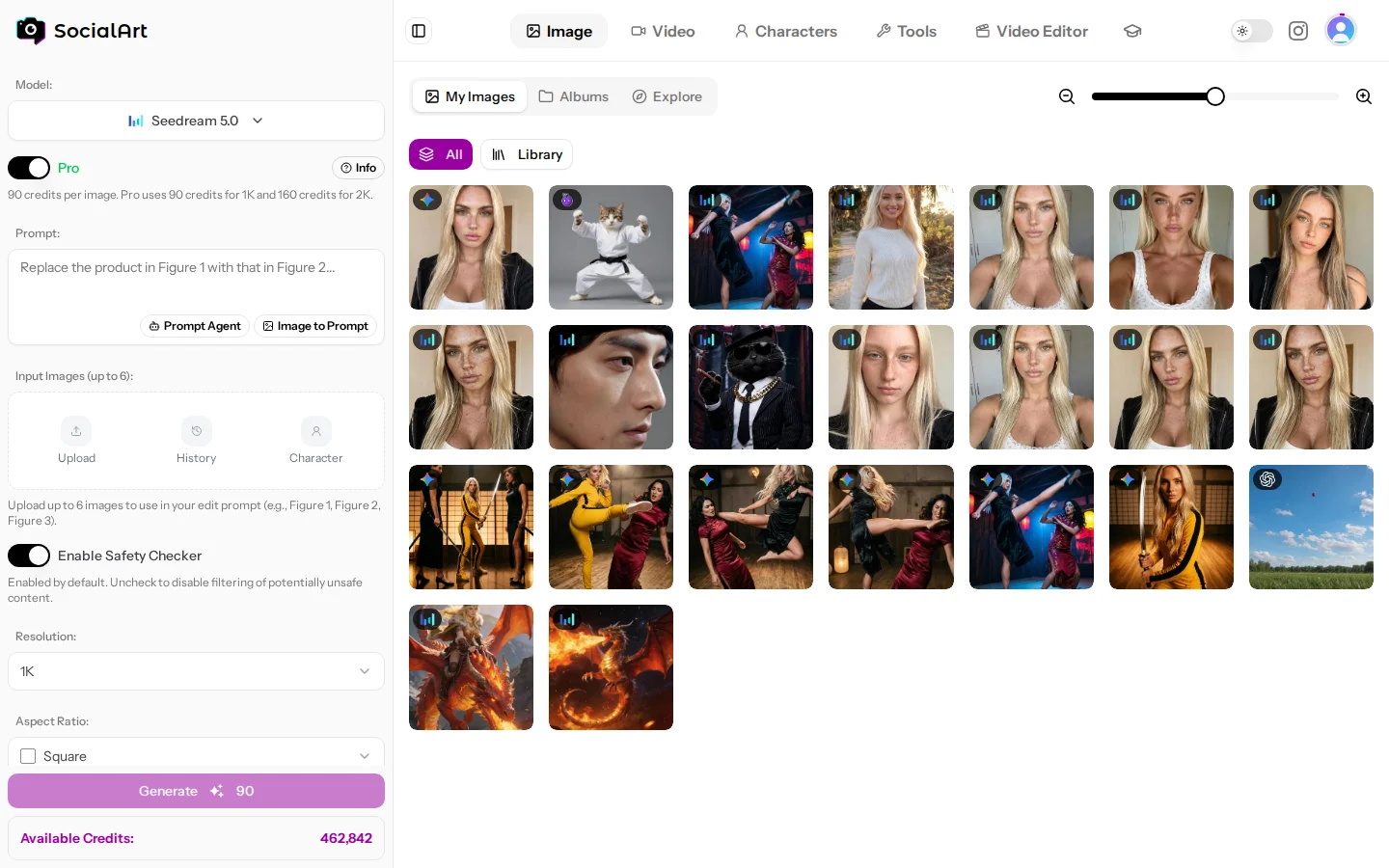
- Open the Image Studio (https://socialart.ai/studio/image) or Video Studio (https://socialart.ai/studio/video).
- Choose a model from the model picker. Recommended models are marked; new ones carry a "New" badge.
- Write a prompt, or open the Prompt Agent and describe your idea in plain language. It writes the prompt for you.
- Optionally add reference images (uploads, images from your history, or a saved character).
- Check the credit cost shown on the Generate button and generate.
Generation runs in the background. A progress tile at the top of your history shows the current step and turns into the result when it is done. You can keep working in the studio while it runs.
Content policy
Before your first generation you accept the SocialArt.ai content policy. Content that violates the Terms of Service (https://socialart.ai/terms-of-service) is not allowed, and accounts that break the rules are closed. Select models allow NSFW content for adult creators; they carry an NSFW badge in the model picker.
Account and settings
Open the account menu (your avatar) to reach Profile, Appearance, Notifications and Subscription.
- Profile (https://socialart.ai/settings/profile): change your name. To change your email address, contact support.
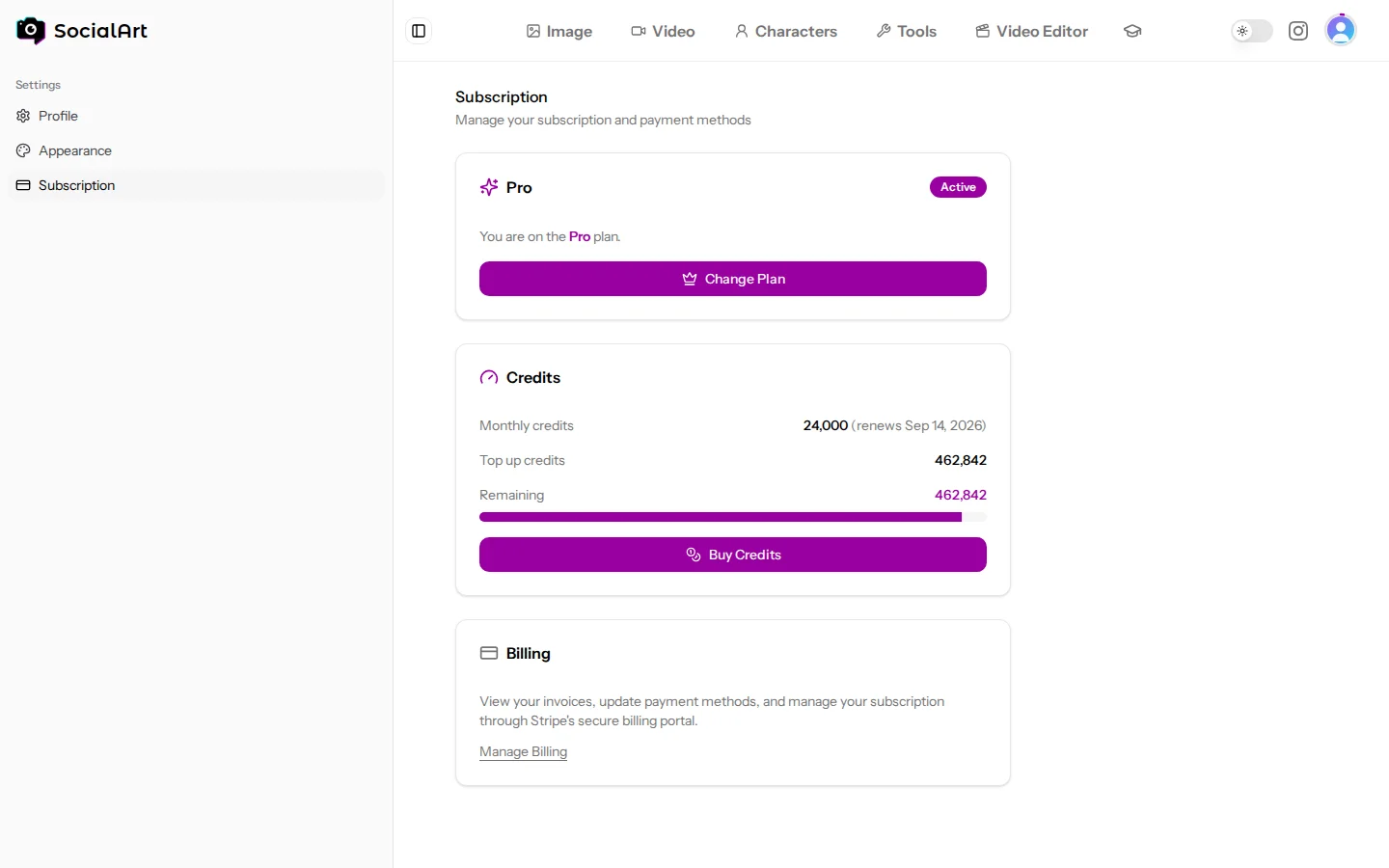
- Subscription (https://socialart.ai/settings/subscription): current plan, credit balances, top-ups with their expiry dates, and a link to the Stripe billing portal for invoices, payment method and cancellation.
- Appearance (https://socialart.ai/settings/appearance): light, dark or system theme, and Blur spicy content to blur NSFW previews in your history.
- Notifications (https://socialart.ai/settings/notifications): turn on push notifications for the browser or phone you are using and you get a notification the moment an image or video is ready, even when SocialArt.ai is closed; your browser asks for permission once. SocialArt.ai also offers it once by itself, when you sign in or start a generation; Not now keeps it quiet for two weeks. Each device is turned on separately, and signing out turns them off on that device. On iPhone and iPad, notifications only work from the installed app (see Install the app below). Under What to notify me about you switch push on or off per topic (images ready, videos ready, support replies, announcements) and switch email on or off for the topics that can mail you; the bell in the header always shows support replies and announcements. Under Notification email you can have those emails go to another address than the one you sign in with: we first mail a confirmation link to that address, and until it is confirmed (and for account mail such as sign-in codes) everything keeps going to your account address.
- Delete account: available at the bottom of the profile page. Deleting your account removes your generated content and cancels active subscriptions. This cannot be undone; download anything you want to keep first.
Getting help
The ? button in the header is on every page, signed in or not, and opens three options:
- Ask AI opens the Help Agent: a chat that answers questions about SocialArt.ai from this documentation and links to the right page. It knows about the Image Agent and the Video Agent and hands you over to them when you want help writing a prompt; they point back to the Help Agent for questions about SocialArt itself. You can ask a limited number of questions per day and up to five follow-up questions per chat; when it cannot answer, it gives you the support address. Signed in, your earlier chats are kept and can be reopened from History in the panel.
- Docs opens this Help Center (https://socialart.ai/help), which has the same chat at the top of the page.
- Contact opens a support ticket, signed in or not. Signed in, it opens your ticket list (https://socialart.ai/contact); signed out, it opens the contact form in the help panel. Either way we reply by e-mail or on the ticket and you get a notification. See Contact and support.
Install the app
SocialArt.ai can be installed as an app on your phone and computer. It then opens full screen from your home screen or dock, without browser bars, and updates itself automatically.
- Android, Chrome and Edge: open the account menu (your avatar) and choose Install app. Visitors who are not signed in use the Install bar at the bottom of the page. On a phone the same option is always available in the browser menu (the three dots) as Install app or Add to Home screen. On desktop the option only appears in browsers that support installing web apps.
- Samsung Internet: Google Play Protect can block apps installed from Samsung Internet as unsafe (Android 14 and later), so SocialArt.ai finishes the install in Chrome. Tap Install, then Open in Chrome (pick Chrome if Android asks which browser to use). Chrome opens the same page with a single Install app button. Phones without Chrome are sent to its Play Store page.
- iPhone and iPad: tap the Share button in Safari, choose Add to Home Screen and confirm. The account menu shows these steps as well.
- Mac (Safari): choose File > Add to Dock.
In every browser that can install the app, SocialArt.ai also shows a small Install bar at the bottom of the page. Dismiss it and it stays away for a month.
The installed app keeps its own sign-in, so sign in once more the first time you open it.
Media, downloads and privacy
- Your generations are private.
- Download originals from the history view. Media links are signed and time-limited, so download a file if you want to keep it outside the studio.
- Storage is included with every plan (5 GB on Starter up to 500 GB on Agency).