
Social Post publishes and schedules content from the studio straight to Instagram. Its pages (Posts, Calendar and Accounts) are tabs at the top, and the Social Post menu item opens them directly.
Connecting accounts
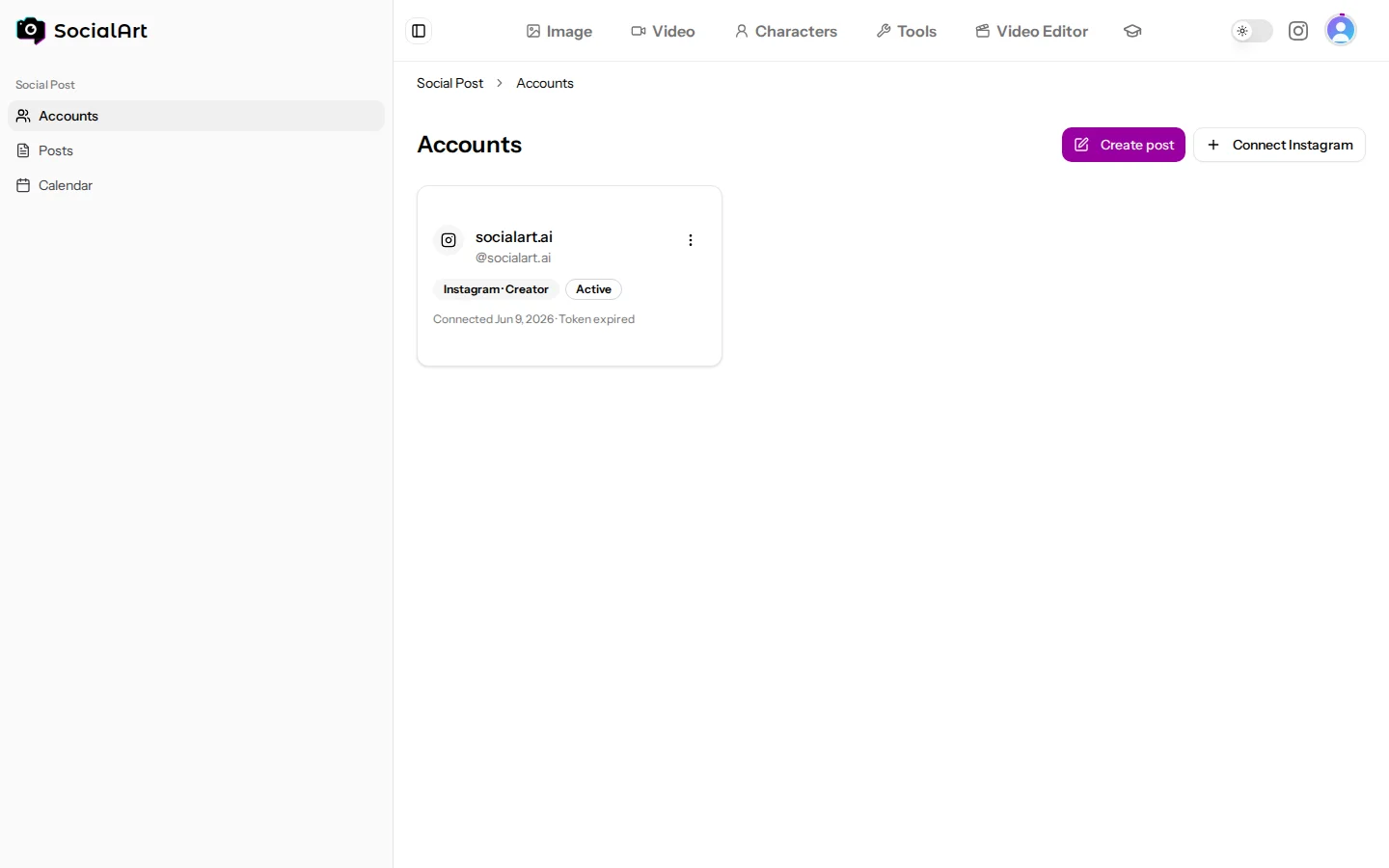
- Connect unlimited Instagram accounts under Social Post → Accounts. You sign in with Instagram and grant SocialArt.ai permission to publish.
- Professional accounts only. Instagram only allows publishing through Business or Creator accounts. Switch a personal account to professional in the Instagram app (Settings → Account type and tools) and try again.
- Access tokens are refreshed automatically. If Instagram revokes access (for example after a password change), reconnect the account.
- Disconnect an account at any time; existing published posts stay on Instagram.
Post types
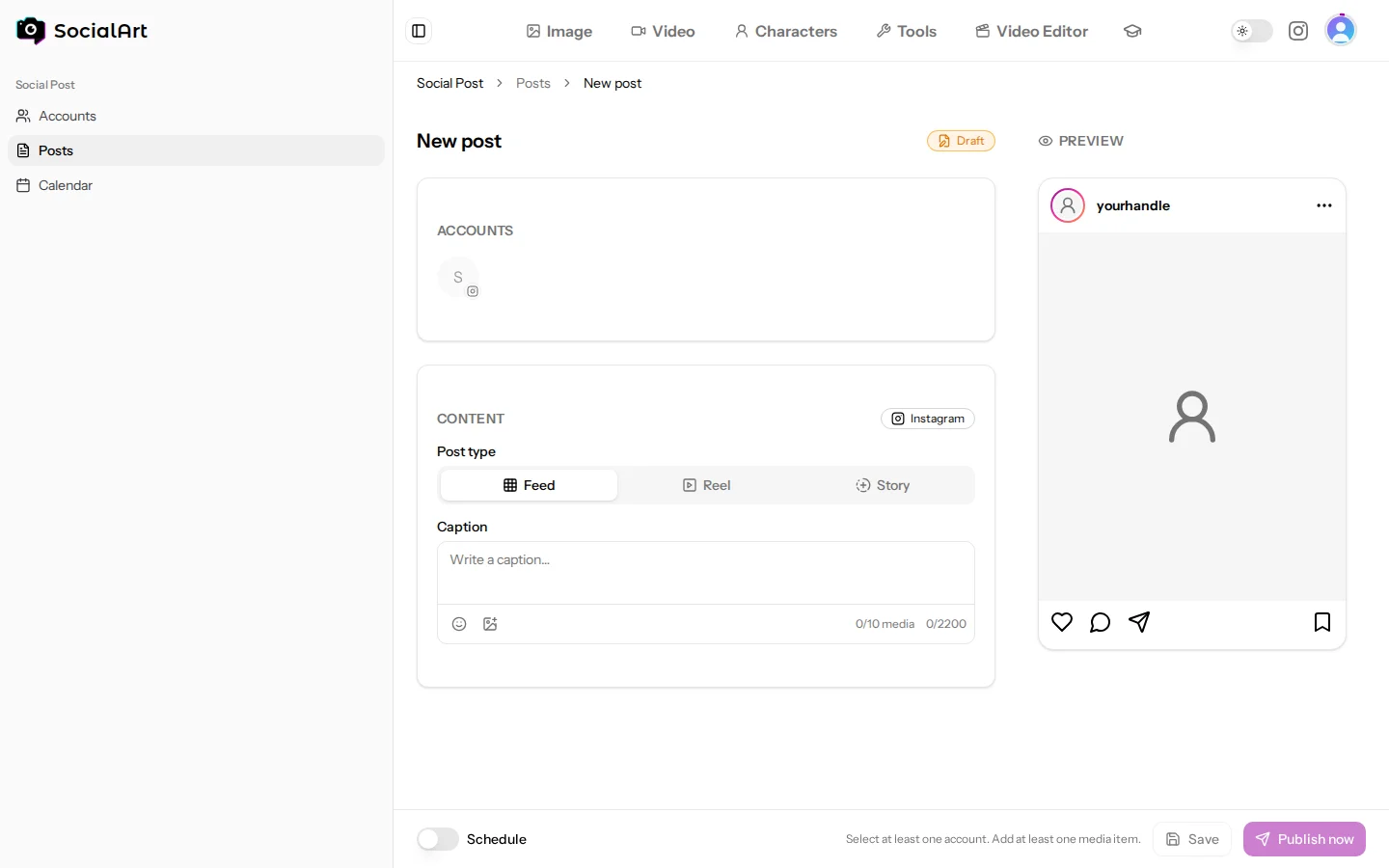
- Feed: 1–10 images or videos (a carousel when more than one).
- Reel: one video.
- Story: one image or video.
Composer
- Pick media from your generations, from editor renders, or upload your own (images up to 8 MB, Instagram's limit; videos up to 100 MB).
- Write a caption with emoji support and tag a location on Feed posts, Reels and Stories (Instagram does not support locations on carousels).
- Post to several accounts at once, with a different caption or media per account if you like.
- A live Instagram preview shows exactly how the post will look.
Publish or schedule
- Publish now, or schedule a date and time; scheduled posts go out automatically.
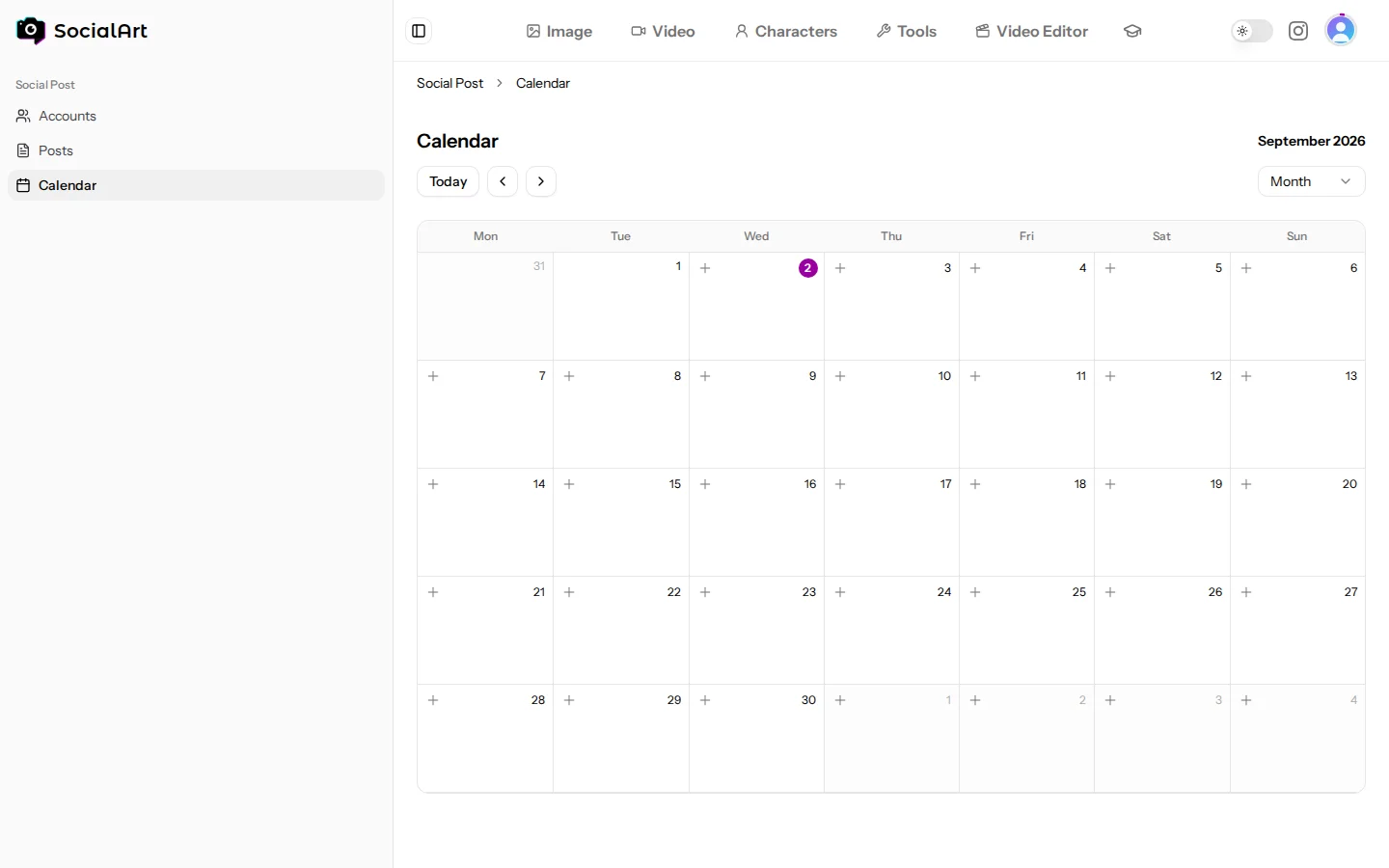
- Calendar (https://socialart.ai/social-post/calendar): month and week views of everything planned and published.
- Duplicate any post to reuse it, and save drafts to finish later.
Statuses and retries
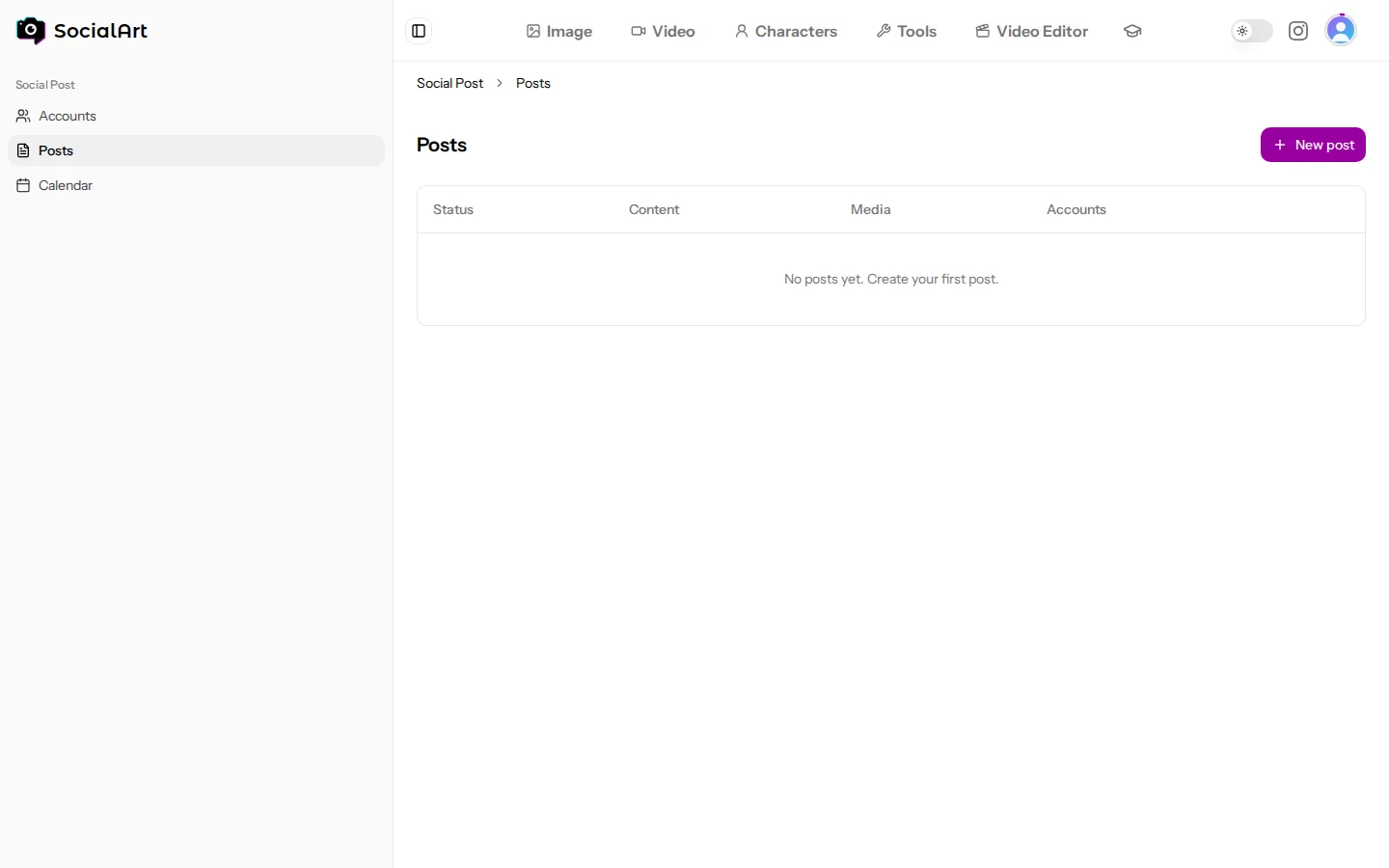
- Posts move through draft, scheduled, publishing, published, partially failed or failed.
- Drafts and scheduled posts can be edited; drafts, scheduled and failed posts can be deleted. Published posts stay in the list for reference.
- If one account fails while others succeed, retry that account alone from the post.
- Media used by a scheduled post cannot be deleted until the post is published.