
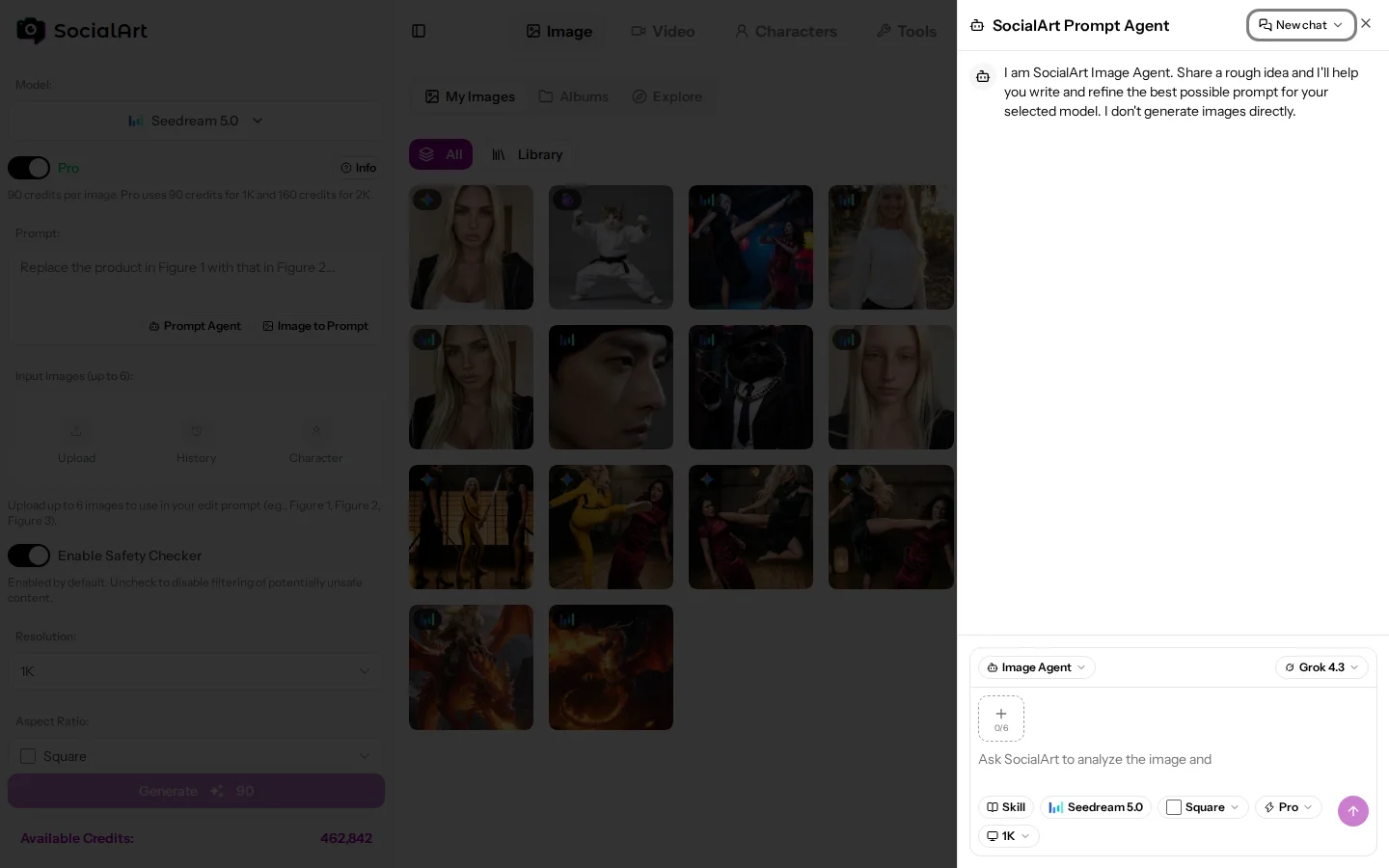
The Prompt Agent is a chat assistant inside the Image and Video Studio that writes and refines prompts for the model you have selected. You never have to write a prompt yourself.
What it does
- Knows every model. It applies the official prompting guide of the selected image or video model, so the prompt uses the structure and vocabulary that model responds to best.
- Asks the right questions. Describe your idea in plain language ("a UGC-style product video", "a talking-head intro for my brand", "turn this photo into a cinematic b-roll shot") and it asks what it needs to know, then delivers a ready-to-generate prompt.
- Reads your images. Upload reference images and it describes them and works them into the prompt.
- One click to generate. The finished prompt is inserted into the prompt field of the studio; adjust it or generate directly.
- Web search. ArtPilot and Gemini can search the web when a prompt needs current facts.
Choosing the agent model
Three agent models are available in the picker, from most to least expensive:
- ArtPilot (SocialArt's own AI): the default and most capable option, with vision and web search.
- Gemini 3.5 Flash: cheaper, with vision and web search.
- Grok: the cheapest option, no web search.
The picker shows the relative cost of each option (Cost 1x is the cheapest). Your choice is remembered, and the choice you make on the home page carries into the studio.
Cost
- Metered per message on the length of the conversation and the answer; the picker shows the relative cost of each agent model.
- Web searches add a small surcharge per search.
- You need enough available credits for the minimum required turn to start one; a cancelled answer is charged as a minimal turn.
Conversations
Past conversations are saved and can be reopened, searched or deleted from History at the top of the panel; New starts a fresh chat.
Switching agents
Under the introduction in the panel, chips switch between the Image Agent, the Video Agent and the Help Agent; the current one is marked. The Help Agent answers questions about SocialArt.ai itself (credits, plans, settings, how a feature works) from the documentation, and the Prompt Agent points you to it when you ask such a question. The other way round, the Help Agent hands you over to the Image or Video Agent when you want help writing a prompt. See Getting started.
Skills
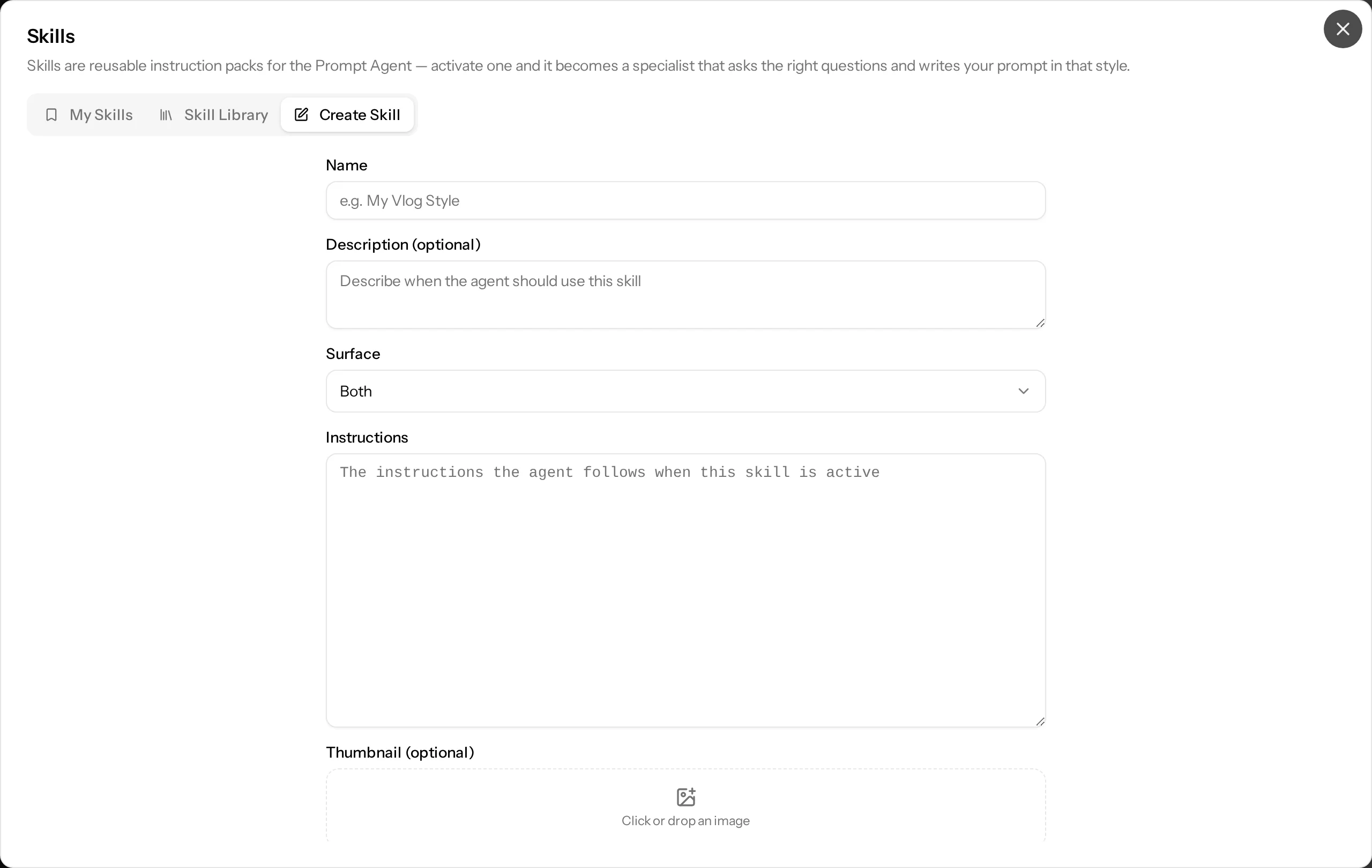
Skills are reusable instruction packs: activate one and the agent writes prompts in that style, for example a brand voice or a recurring format. Click the Skill chip under the message box, choose a skill and hit Use Directly; it stays active as a chip until you remove it. Full guide, including how to create your own: Prompt Agent skills
Models without the Prompt Agent
Influencer Remix and Character Swap need no prompt, so the Prompt Agent is not shown for them.